
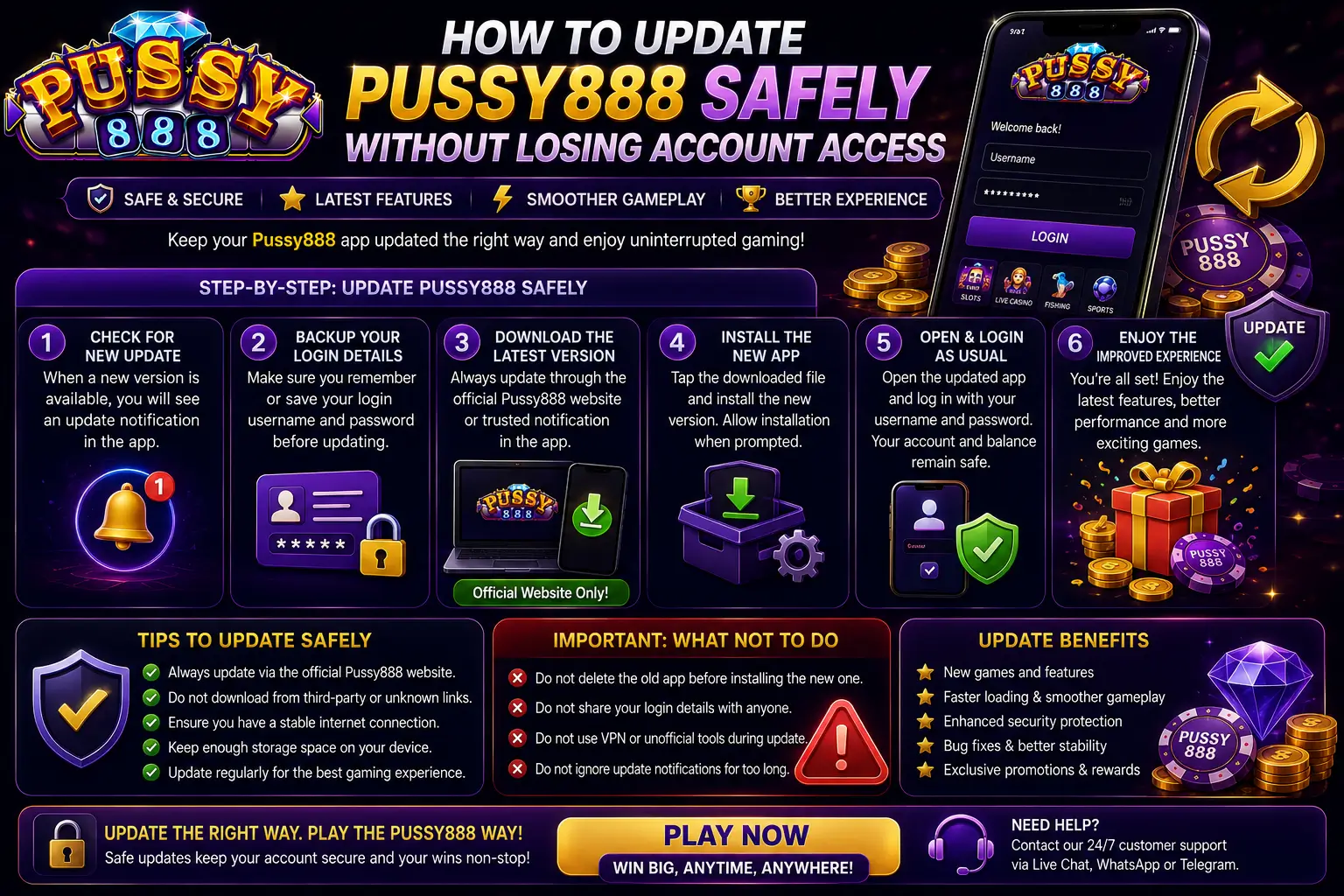
If Pussy888 asks for an update, the safest response is not to delete the existing app immediately. First confirm the update source, record the account information you may need, and understand whether the problem is an outdated app, a damaged installation, a network issue or a temporary service interruption.
This official Pussy888 Singapore guide explains how to update the Android or iPhone/iPad version while reducing the risk of losing saved login details, installing an incompatible package or using a fake update link. Your Pussy888 account is not the same as the app file on your phone, but uninstalling or clearing app data may remove locally saved credentials and make access more difficult if you have not recorded them.
When Does Pussy888 Need an Update?
An update may be needed when:
- The app displays an official version or update notice;
- The current app opens but cannot load the lobby;
- Games stop opening after a platform update;
- The app closes during startup;
- The installed version is no longer supported;
- An Android package cannot install over an older build;
- An iPhone or iPad installation no longer opens after an iOS or iPadOS change;
- A verified platform partner tells you that a newer supported version is available.
Do not assume that every loading error requires an update. If the app worked recently, first close it completely, restart the device and test one stable network. A server interruption, expired session or weak connection can look like an outdated app.
| What You See | Most Likely Area to Check | First Action |
|---|---|---|
| Official update notice | App version | Return to the official App Portal |
| App opens but lobby is blank | Network, service or version | Restart and test one stable connection |
| Android says “App not installed” | Package, storage or signature conflict | Stop and verify the APK source |
| iPhone app will not verify or open | iOS installation or developer verification | Check the current iOS route |
| Password fails after updating | Saved credentials or account access | Enter the correct details manually once |
| App logs out repeatedly | Session, network or another device | Use the automatic logout guide |
Before Updating: Protect Your Account Access
Complete this checklist before downloading or replacing anything.
1. Record the Correct Username
Save the Pussy888 username exactly as it was issued. Do not assume it is the same as your display name, phone number, email address or payment-account name.
Check similar characters such as 0 and O,
and store the username privately. Do not put it in a public note,
screenshot or social-media message.
2. Confirm the Recovery Route
Make sure you know which listed platform partner issued the account and how to reach its verified support channel. An account created through one partner may not be recognised by another partner’s login route.
Use the Official Partners page to identify the correct account route before changing the installation.
3. Check the Password Without Exposing It
Confirm that you can access the current password or a secure password-manager entry. Never send the password to support, save it in an unprotected screenshot or reuse a banking password.
If you are already unsure of the password, solve the account-access problem before uninstalling the app. Follow the Pussy888 login and password recovery guide.
4. Save Useful, Non-Sensitive Information
Record:
- The current app version if it is displayed;
- Your phone model;
- Android, iOS or iPadOS version;
- The exact update or error message;
- The time the problem started;
- The issuing platform partner;
- Whether the app still opens on the current device.
Hide passwords, verification codes and payment information in every screenshot.
5. Check Storage, Battery and Connection
An interrupted update can leave incomplete files. Before starting:
- Use a stable private Wi-Fi or mobile-data connection;
- Keep sufficient free storage for both the download and installation process;
- Charge the device or connect it to power;
- Close unnecessary apps;
- Avoid changing networks during the update;
- Do not download several Pussy888 packages at the same time.
Use Only the Current Official Update Route
Begin every update at the Pussy888 App Portal or through the verified route provided by the platform partner that issued the account.
Before downloading, check:
- The domain spelling is correct;
- The connection uses HTTPS;
- The page was not opened from an unknown advertisement or private message;
- The Android button points to the current APK route;
- The iOS button opens the expected Apple installation service;
- No page promises modified results, unlimited credits or guaranteed wins;
- No unrelated banking password, Apple Account password or Google Account password is requested.
A copied logo and an HTTPS padlock do not prove that an update page is official. If the route is uncertain, stop and use the Pussy888 platform safety checklist.
How to Update Pussy888 on Android Safely
Android updates normally use a newer Pussy888 APK from the verified App Portal. An APK is the Android installation package; it is not used on iPhone or iPad.
Step 1: Keep the Existing App Installed
Do not uninstall the current version before checking whether the new verified APK can update it. Keeping the existing installation gives Android the opportunity to replace the app while preserving compatible local settings.
This does not guarantee that every saved login will remain. Account credentials may still need to be entered again after the update.
Step 2: Download One Current APK
Open the App Portal on the same Android device and select the current Android download route. Wait for the download to finish completely.
Do not rename, modify or open several copies of the package. Remove incomplete duplicate downloads if they make it unclear which file is current.
Step 3: Open the Downloaded Package
Open the completed APK from the browser download list or the device’s Downloads folder. Android may ask for permission to install apps from that browser or file manager.
Allow the permission only for the app you intentionally used to open the verified package. Do not disable Play Protect, device security or unrelated permissions simply to force an installation.
Step 4: Install Over the Existing Version When Accepted
If Android recognises the package as an update, continue and wait until the installation finishes. Do not close the installer, restart the phone or switch the network during the process.
If Android reports App not installed,
Package conflicts with an existing package,
Invalid package or a signature-related error, stop. Do not
keep downloading random APK files.
Use the detailed guide explaining why the Pussy888 APK cannot be installed to check storage, file completeness, Android compatibility and package conflicts.
Step 5: Reopen and Verify the Account
After installation:
- Open Pussy888 from the normal app icon.
- Confirm that the lobby loads.
- Check that the expected username or account is shown.
- Enter the credentials manually if the old saved password is no longer present.
- Test one game page without changing account settings.
- Remove the downloaded APK after the installation works if you no longer need the file.
For a first-time installation rather than an update, use the complete Pussy888 Android download and installation guide.
Should You Uninstall the Android App First?
Uninstalling should not be the first update step. It may remove locally saved login information, preferences and temporary app data.
Only consider uninstalling when:
- The verified new package cannot update the current installation;
- The existing app is damaged and no longer opens;
- The correct username, password and recovery route are confirmed;
- The current APK source has been verified;
- The issuing partner or official support route recommends a clean installation for the specific error.
Your account is managed separately from the installed APK, but access can still become difficult when saved credentials are removed. Never uninstall while you are unsure of the username or recovery method.
How to Update Pussy888 on iPhone or iPad
Pussy888 on Apple devices does not use an Android APK and may not appear in the normal App Store update list. The current iOS button on the App Portal opens the supported Apple installation route linked to the Pussy888 manifest.
Step 1: Confirm the Account Details
Record the username, recovery route and issuing partner before changing the installation. Do not delete the current app simply because its icon does not open once.
Step 2: Restart and Check the Current Installation
Close Pussy888 completely and restart the iPhone or iPad. After an iOS or iPadOS update, a restart may be required before the device completes system-level verification and background setup.
If the app still cannot open, return to the App Portal using Safari and use the current iOS route.
Step 3: Confirm the Installation Prompt
Allow the installation to complete and watch the app icon until it is fully available. Do not open repeated installation prompts or download from several websites.
If developer verification is required, review the organisation shown in the device settings and continue only when it matches the installation you intentionally started.
Step 4: Open the Updated Installation
Open Pussy888, confirm that the expected login screen appears and enter the correct credentials if the device no longer remembers them.
Do not approve unexpected password-reset codes or provide an OTP to someone claiming to complete the update for you.
For the full Apple-device setup flow, see How to Download and Install Pussy888 on iPhone and iPad.
Clear Cache or Clear Data?
These options are not the same.
| Action | What It Usually Affects | Account-Access Risk |
|---|---|---|
| Restart app | Current running session | Low |
| Restart phone | Temporary device state | Low |
| Clear Cache on Android | Temporary app files | Usually low |
| Clear Data / Storage on Android | Saved login and local settings | Higher |
| Delete or uninstall app | Installed app and local data | Higher |
| Reinstall from verified route | App files | May require login again |
Start with closing the app and restarting the phone. On Android, use Clear Cache before Clear Data. Do not clear storage simply because a download is slow.
iPhone and iPad normally do not provide the same separate per-app cache control. Restart first and confirm the account details before deleting the app.
If the Update Fails
Use the error message to choose the next step.
Download Stops or the File Is Incomplete
- Delete only the incomplete download;
- Confirm enough storage is available;
- Use one stable network;
- Download one new copy from the App Portal;
- Do not open a partially downloaded APK.
Android Reports a Package Conflict
Verify that the new APK came from the same current official route. A package signed or distributed differently may not be accepted over the existing installation. Do not uninstall until the account details and recovery route are safe.
iPhone or iPad Cannot Verify the App
Restart the device, confirm the internet connection and return to the current iOS installation route. If the verification problem continues, save the exact message and contact the verified issuing partner.
Updated App Opens but Immediately Logs Out
The installation may be complete while the session is still affected by another device, a changed network, an expired session or an account check. Follow the guide explaining why Pussy888 logs you out automatically.
Login Details No Longer Appear
An update, clean installation or cleared data may remove saved credentials. Enter the verified username and password manually once. If they are not accepted, stop repeated attempts and use the official recovery route.
How to Recognise a Fake Pussy888 Update
Stop if an update page or support account:
- Contacts you unexpectedly with an urgent update threat;
- Uses a misspelled or shortened domain;
- Offers a modified or “higher RTP” version;
- Promises guaranteed wins or unlimited credits;
- Requests your existing password or verification code;
- Asks for remote access or screen sharing;
- Requires a payment, tax or unlocking fee;
- Tells you to disable all phone security;
- Requests a banking PIN or unrelated account password;
- Sends an APK through an unknown file-sharing service.
An official update should improve compatibility, security or app functionality. It cannot change random game results or guarantee a return.
After the Update: Security Checklist
After Pussy888 opens normally:
- Confirm the correct account is displayed;
- Check that no account or contact information changed unexpectedly;
- Remove an obsolete saved password and store the current one securely;
- Review any new permission request before allowing it;
- Avoid keeping duplicate APK files;
- Use only one main device while confirming the new session;
- Ignore reset codes that you did not request;
- Keep the verified App Portal and issuing-partner route saved;
- Report an unfamiliar login or changed account detail immediately.
If a suspicious page received your password, change it from a trusted device and also change it anywhere else it was reused.
Frequently Asked Questions
Will updating Pussy888 delete my account?
The app installation and the account are separate. Updating or reinstalling should not create or delete the platform account, but saved login details and local settings may be removed. Confirm the username, password and recovery route first.
Can I update Pussy888 from Google Play or the Apple App Store?
Use the current route shown in the official Pussy888 App Portal. The Android version uses the current APK route, while the iPhone/iPad button uses the supported Apple installation service outside the normal App Store listing.
Should I delete the old APK after updating?
After the new installation opens correctly, you may remove obsolete APK files from the Downloads folder. Deleting the downloaded installer is different from uninstalling the app.
Why does Android say the update conflicts with the existing app?
The package may come from a different source, use a different signature, be incomplete or be incompatible with the installed version. Stop and verify the current official package before uninstalling anything.
Why did the saved password disappear after the update?
The app, browser or password manager may no longer be filling the old credentials. Enter the correct details manually and update the saved entry only after the login succeeds.
Can support update the app remotely for me?
Do not allow an unknown person to take remote control of the phone. Verified support can explain the official route and account checks without requesting the complete password, banking PIN or unrelated OTP.
What if Pussy888 works without updating?
Do not install an unknown package only because an advertisement says it is “new”. Update when the official route or a verified support notice confirms that a newer supported version is needed.
Final Answer
To update Pussy888 safely, first record the correct username, recovery route and issuing platform partner. Keep the existing app installed while you verify and download the current update from the Pussy888 App Portal.
On Android, try the verified APK over the existing installation before considering an uninstall. On iPhone or iPad, restart the device and use the current Apple installation route shown in the App Portal. Do not clear app data, delete the installation or disable phone security before confirming that you can recover the account.
After updating, verify the account, remove obsolete installer files and check any new permission request. If an error continues, save the exact message and contact the verified partner that issued the account instead of using an unknown update page, modified app or paid unlocking service.