
Pussy888 Installation and Troubleshooting Guides
Follow clear troubleshooting steps for APK errors, blocked permissions, compatibility issues, failed updates and other installation problems.
Identify Where the Pussy888 Setup Failed
“Pussy888 is not working” can describe several different problems. The correct fix depends on the last step that completed successfully, so begin by separating the issue into one of these stages:
- The download did not finish: check the connection, browser download history and available storage.
- The file will not open: confirm that it is a completed APK rather than a temporary or web document.
- Android blocks installation: read the exact warning and check permission, signature, version and compatibility causes.
- The app installed but will not launch: restart the phone, check the app version and clear cache before reinstalling.
- The app opens but login fails: treat it as an account or session issue rather than repeating the installation.
If you have not installed the application yet, follow the official Android installation sequence. If Android displays “App not installed,” “Package invalid” or a parsing error, use our detailed Pussy888 APK troubleshooting guide.
Use the Safest Troubleshooting Order
- Take a screenshot of the complete error message.
- Confirm that the file came from our official App Portal and finished downloading.
- Check internal storage, Android version and whether another Pussy888 copy is installed.
- Change one setting at a time and test again.
- Keep Play Protect enabled and stop if Android reports harmful behaviour.
- Contact official support with the phone model, Android version, filename and error message if the fault continues.
Before You Uninstall or Clear App Data
Write down the correct username, confirm the account-recovery channel and make sure you know which listed official partner manages the account. Clearing app data or uninstalling may remove saved login details and local settings. For a planned version change, follow our guide to update Pussy888 without losing account access. If the application opens normally but repeatedly returns to the login screen, use the automatic logout guide instead of deleting a working installation.
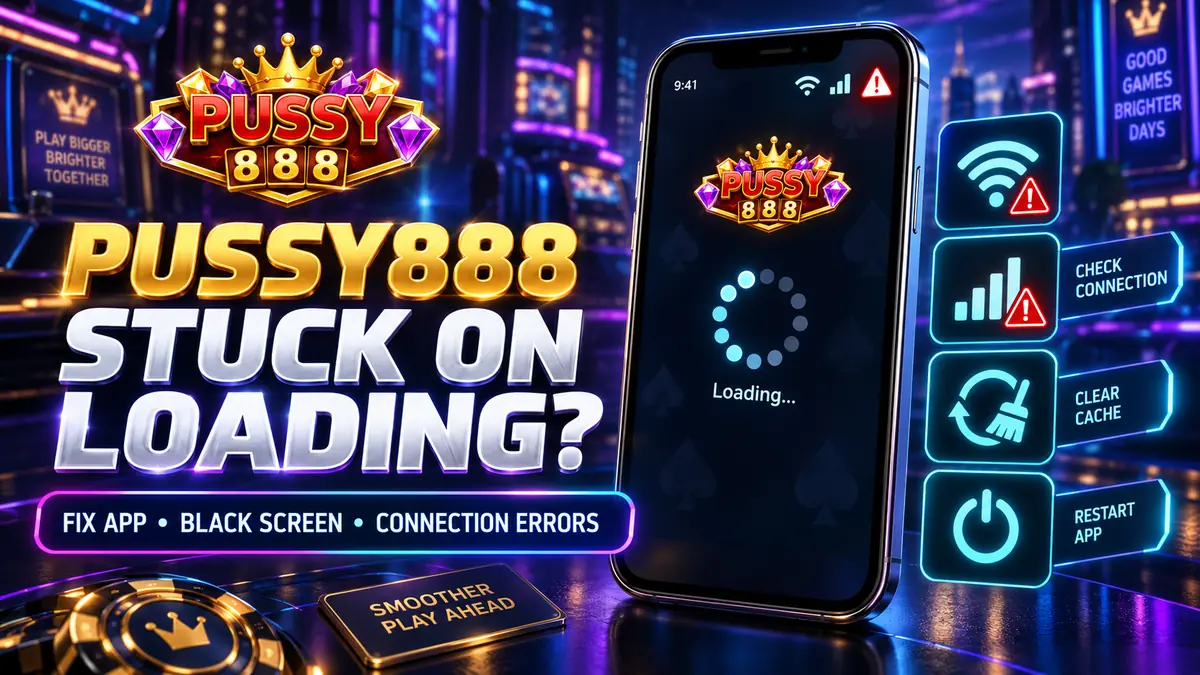
Why Pussy888 Is Stuck on the Loading Screen and How to Fix It
Fix Pussy888 logo freezes, black screens, connection errors and game-loading problems on Android, iPhone and iPad without deleting account data too early.
READ MORE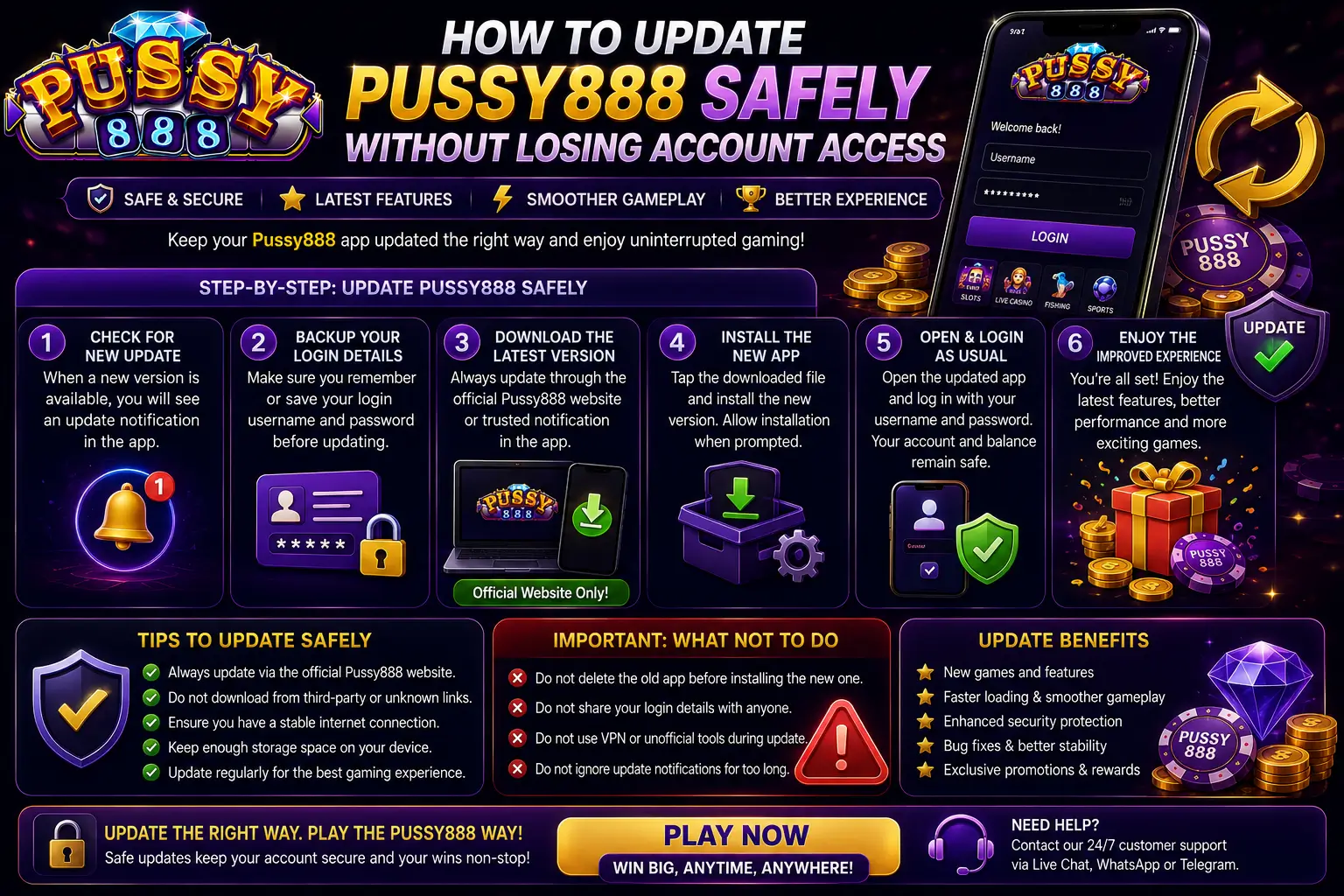
How to Update Pussy888 Safely Without Losing Account Access
Protect your username and recovery route while updating Pussy888 on Android, iPhone or iPad through the current verified installation source.
READ MORE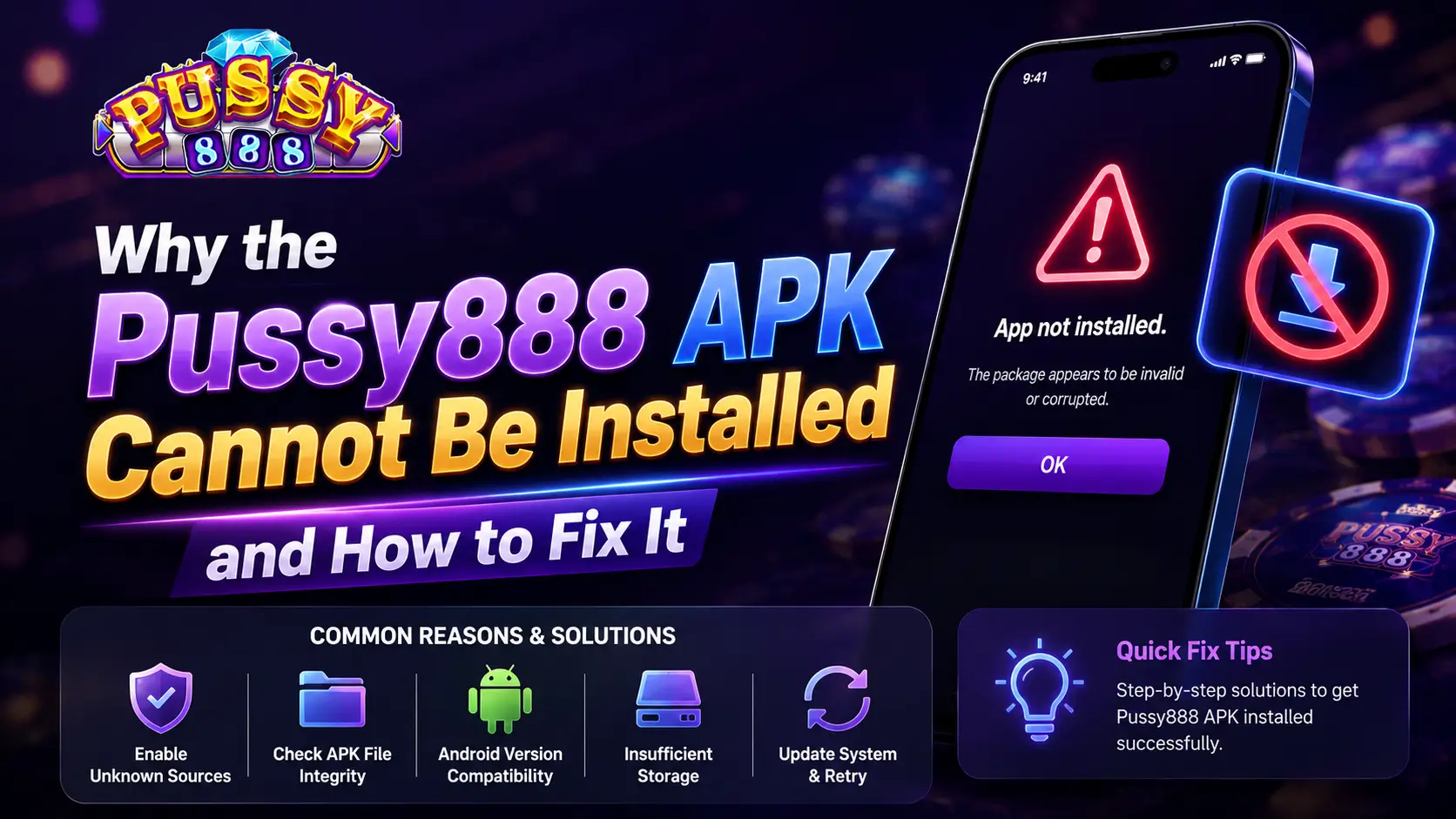
Why the Pussy888 APK Cannot Be Installed and How to Fix It
Fix common Pussy888 installation problems caused by blocked permissions, damaged APK files, insufficient storage, outdated Android versions, or device compatibility issues.
READ MORE